
From Chatbot to Copilot: Designing AI Interactions That Users Actually Want
70% of chatbot implementations are abandoned within 6 months. Copilot-style AI features show 3× higher retention. The difference is not the model — it is where the AI sits in the user's workflow.
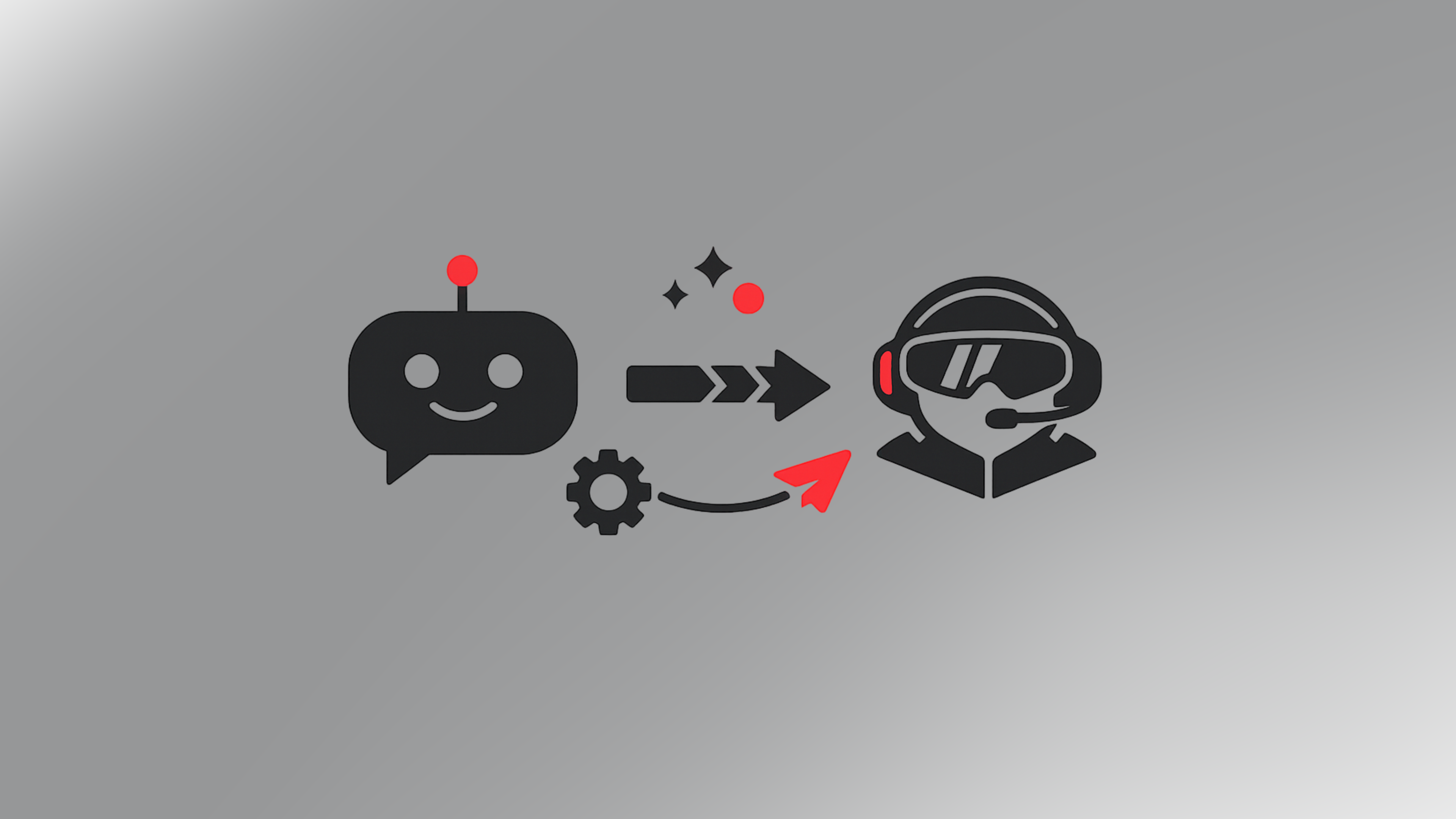
The chatbot wave of 2017–2022 left behind a useful lesson: users do not want to talk to software. They want software to help them do things faster. A chatbot that requires a user to describe their need in natural language, wait for a response, clarify the response, and iterate to an answer is not faster than a well-designed interface — it is slower and more frustrating, dressed up in a conversational costume.
The AI features that show strong retention in 2025 and 2026 are not chatbots. They are copilots: AI assistance embedded into the workflow the user is already doing, at the specific point where that assistance reduces friction, rather than standing apart as a separate interface the user must navigate to.
The Chatbot Failure Mode
Research published by Gartner in 2024 found that 70% of chatbot implementations fail to meet their intended use-case objectives within six months of deployment. The failure modes are consistent: users try the chatbot once, find it slower or less reliable than the existing interface, and stop using it. The organisation has invested in AI infrastructure and seen no adoption.
The root cause is usually an architectural decision made at the beginning of the product design process: adding a chat interface on top of an existing product, rather than identifying the specific moments in the user's workflow where AI assistance would reduce the most friction, and building that assistance into those moments.
A chat interface for a project management tool requires the user to leave what they are doing, switch to the chat panel, describe their task, receive a response, and return to what they were doing. An AI copilot in the same tool surfaces relevant information in context, auto-populates fields based on task history, suggests the next logical action based on project state, and flags anomalies without requiring the user to ask. The second pattern is adopted. The first is abandoned.
Designing for Workflow Integration
Effective AI feature design starts with workflow mapping, not model selection. The questions are: where does the user spend the most time? Where do they make the most decisions? Where do they switch contexts most often? Where do errors or inefficiencies cluster? The answers identify the points where AI assistance can reduce friction in ways the user will notice and value.
In our Octoplan internal platform, the most-used AI feature is dictation-based ticket creation — not because of the dictation itself, but because ticket creation is the highest-friction point in the project management workflow. Switching from a flow state to a structured form to capture a task breaks concentration. Dictating a brief description while the AI handles the structure removes that friction without requiring the user to learn a new interface.
Copilot-style AI features embedded in workflow show 3× higher 90-day retention than chat-interface AI features in the same product category, according to a 2024 study of enterprise SaaS adoption patterns. The model quality is the same. The placement is different.
The Principle Behind the Pattern
The design principle is: AI should reduce the cost of things the user already wants to do, not introduce a new thing they have to learn to do. A user who wants to create a ticket, generate a report, or find a document should find the AI making that existing task easier — not presenting them with a chat interface they must learn to prompt effectively.
This sounds obvious and is widely ignored. Product teams excited about AI capabilities build towards the capability rather than towards the user's workflow. The result is impressive demos and low adoption.
We design AI features starting from the workflow friction, identifying where the capability reduces it, and then building the most minimal interface that delivers that reduction. The implementation is often simpler than a full chat interface — an inline suggestion, an auto-population, a context-aware shortcut — and the adoption is substantially higher because it requires nothing from the user except doing what they were already going to do.
Keep reading

AI & Technology · 17 April 2026
Everyone's Building Tools With Claude. The Hard Part Is Shipping Them.

Development · 17 April 2026
Umbraco vs WordPress: Why Serious Businesses Are Making the Switch
AI & Technology · 17 April 2026
Umbraco 17 Is Here — And It Changes How You Work
Also from our work
Eunoia
Eunoia – Praxismenedzsment terapeutáknak
Egy praxismenedzsment operációs rendszer pszichoterapeuták számára – amelyet azért fejlesztettünk, hogy csökkentse a terápiás munka adminisztratív terheit, így a szakemberek arra fordíthatják az idejüket, ami igazán számít.
View article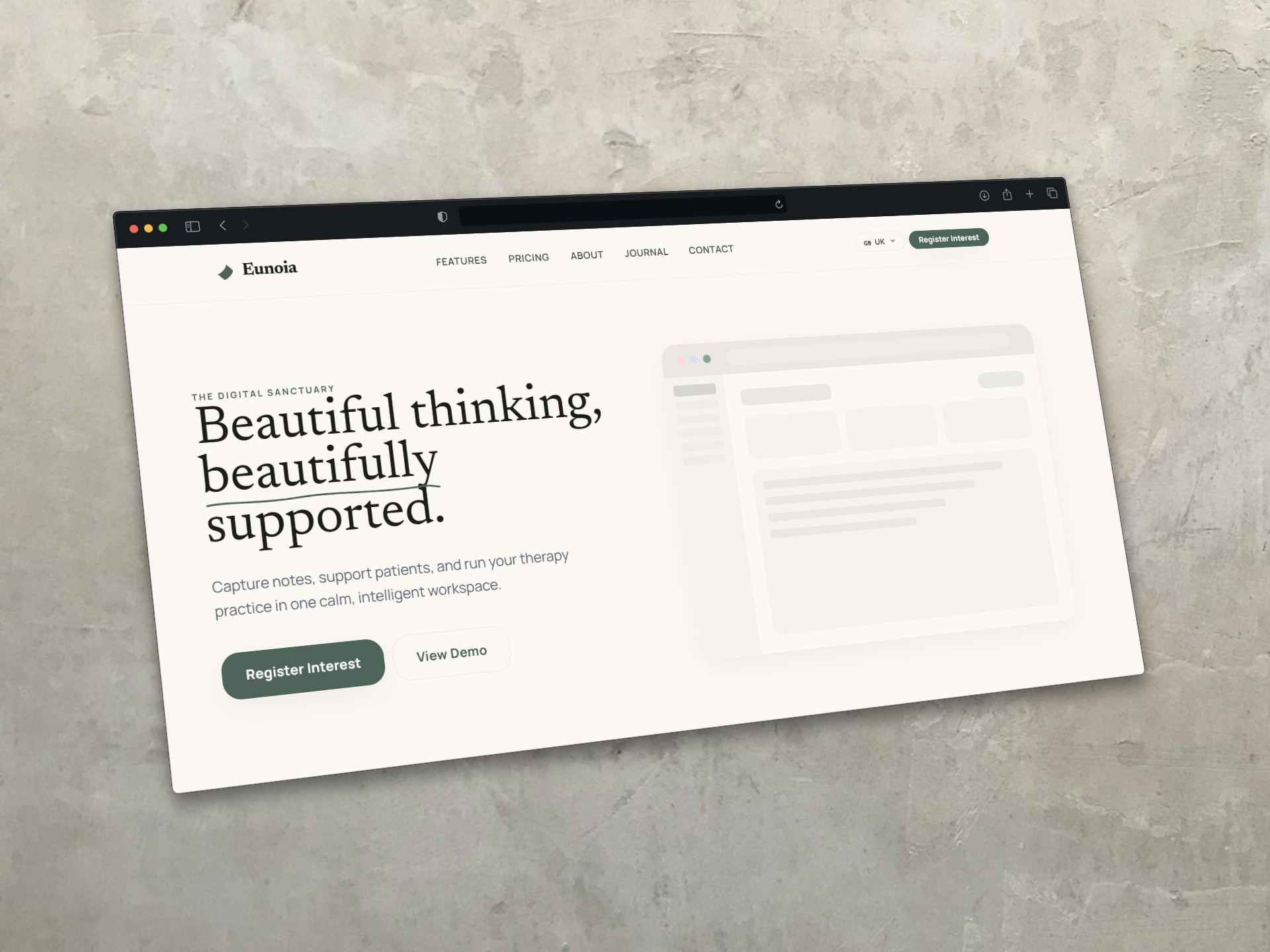
Keep Reading